Why I built Calengaroo, a calendar for ADHD minds
I have ADHD, and every app I tried asked for too many steps. So I built one that saves by itself, deletes in one tap and keeps everything in one place.
 2 min read
I have ADHD. For years I tried calendar apps, to-do apps, notes apps and budget apps. Each one was good at one thing. Together they were a mess: my plans in one app, my tasks in another, my notes in a third, and my spending in a spreadsheet I never opened.
Every extra step was a chance to lose the thread. Open the app, find the right screen, press Save, confirm, switch apps, come back. With ADHD, each small step costs more than it should, and a few of them are enough to drop what I was doing.
So I built the app I needed.
Everything in one place
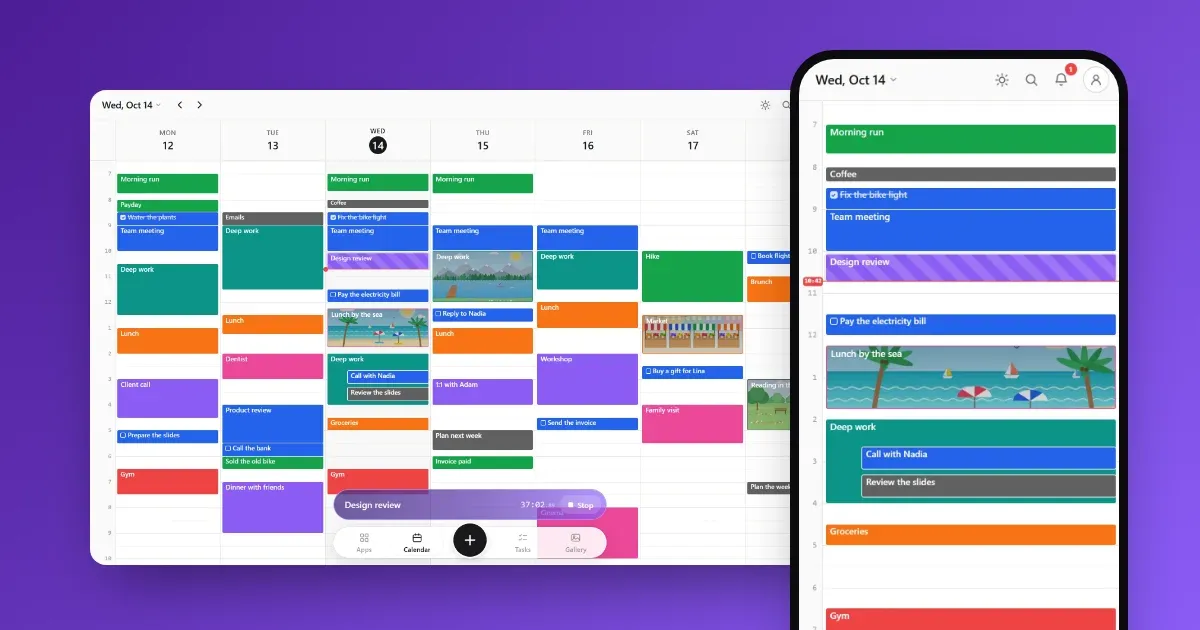
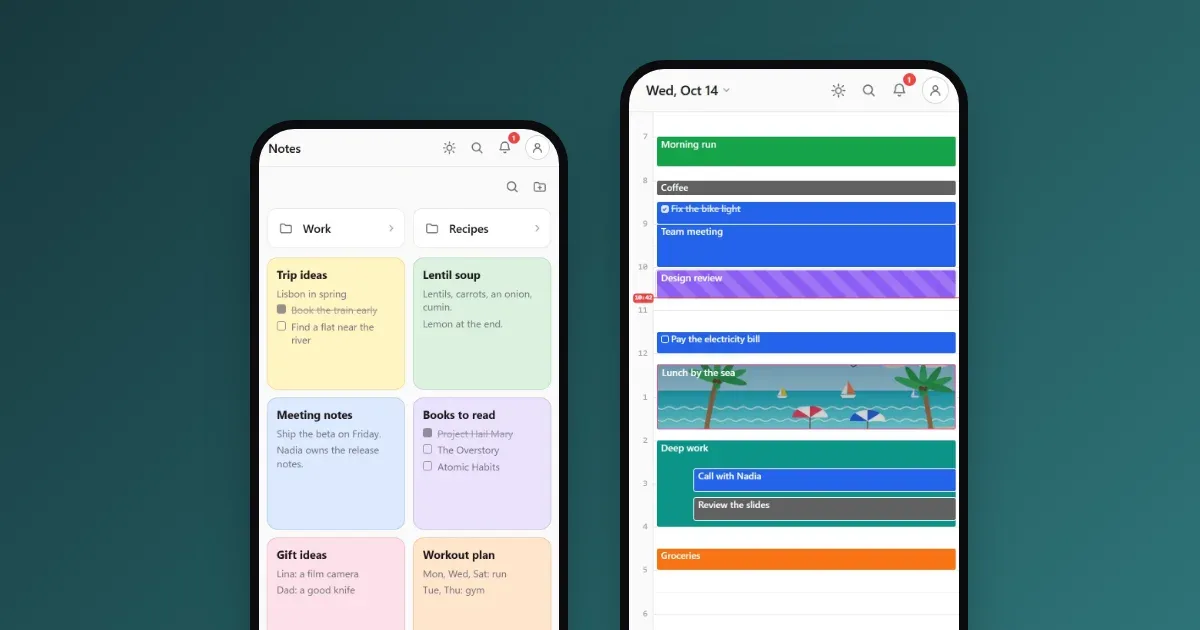
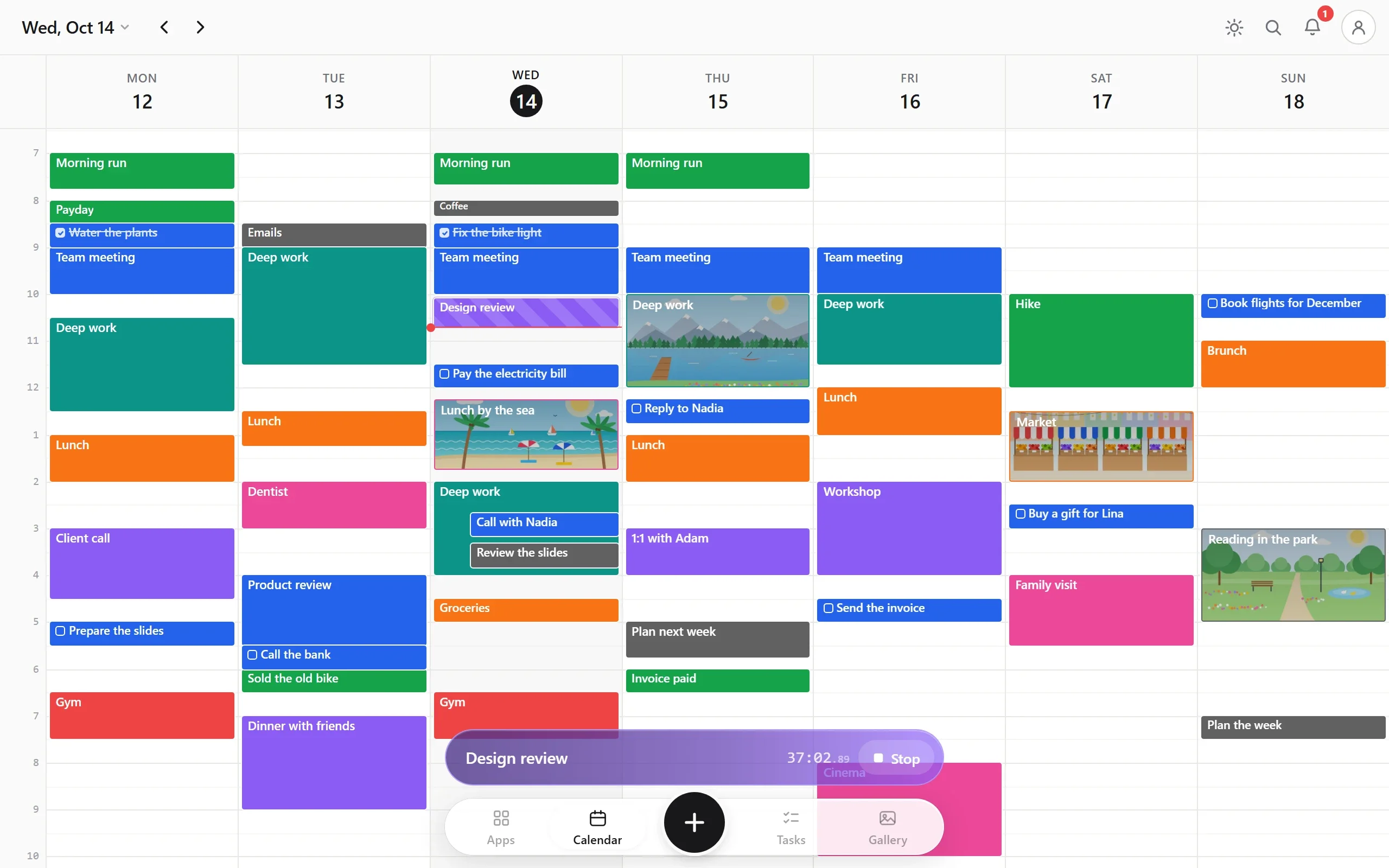
In Calengaroo, your calendar, a timer, your tasks, your notes and your money live together. A task with a date sits on your calendar. An expense sits inside the event where you spent it. A note can point to an event, and the event shows what points back to it.
As few taps as possible
These are the rules I built it on:
- No Save button. Every change is kept as you type.
- No “Are you sure?” box. Deleting takes one tap, and Undo brings it back.
- Drag and drop everywhere. Move events on the calendar, tasks in your lists and notes into folders.
- One tap to start the timer. Type what you are doing, press start, and get back to it.
A timer that writes your day for you
The feature I use most is the live timer. You type what you are doing and press start. A live event appears on your calendar and grows while you work. When you stop, it stays there as a normal event.
At the end of the day, my calendar shows what really happened, not only what I planned. For an ADHD brain, that honest picture is worth a lot.
Calm by design
The screen stays minimal on purpose: solid colors, clear text and nothing you do not need. It also looks and works the same on a phone and a computer, so there is only one app to learn.
Built with the people who use it
Calengaroo is in beta, and it keeps growing. Many of its features came from people who wrote to me. If something would make your days easier, tell me: I read and answer every email.